


Custom Basketball Jersey Maker: Coach's Design Guide

A promising jersey design can still become a season-opening problem if the online maker hides key details, loses a roster change, or lets a coach approve artwork without checking the final production view. A custom basketball jersey maker should do more than create an attractive preview. It should help your staff move from an idea to an accurate, production-ready team order.
What should a custom basketball jersey maker let a coach control?
A useful custom basketball jersey maker gives coaches control over the choices that affect identity and production: jersey style, base colors, trim, logo placement, team name, player numbers, names, and the relationship between the jersey and the rest of the uniform. The best tool also makes those choices easy to review before anyone submits an order.
Start with the garment, not the decoration. Decide whether you need a traditional jersey, a reversible option, or a coordinated set that includes matching shorts. A maker that shows only a front view can make it easy to overlook the back panel, side inserts, neckline, armholes, and the way a number sits beneath a name. Look for a view that lets you inspect every decorated surface.
Next, check the color controls. The tool should let you establish a primary color, secondary color, trim, and any contrasting panel without forcing you to guess how the combination will look on the complete garment. If your program already has approved colors, record the exact direction before experimenting with alternatives. A design tool is useful for exploring options, but the final team identity still needs one decision-maker.
Decoration controls matter just as much. Confirm whether the maker represents a printed or sublimated treatment, tackle-twill construction, or another decoration method accurately. Do not assume that a visual preview answers every production question. Ask the uniform provider how the selected method will be applied, how names and numbers will be handled, and whether the artwork can be adjusted for the chosen garment.
Uniforms Express describes its online builder as a way to create basketball, baseball, softball, and soccer uniforms, including jerseys or coordinated uniforms with matching pieces. Use the builder to communicate the direction, then ask the account team to confirm the exact product, materials, decoration, and deliverables before production.
A practical maker-tool checklist
Can you view the front, back, and important side areas?
Can you compare jersey-only and full-uniform configurations?
Can you set team colors without relying on a vague color name?
Can you place the team name, logo, numbers, and names where you expect them?
Can you save or share the design with another coach or administrator?
Can the provider turn the preview into a formal proof for approval?
If several answers are no, the tool may still be useful as an inspiration board, but it should not be the only source of truth for a team order. The production proof and written order summary must settle any detail the preview cannot show.
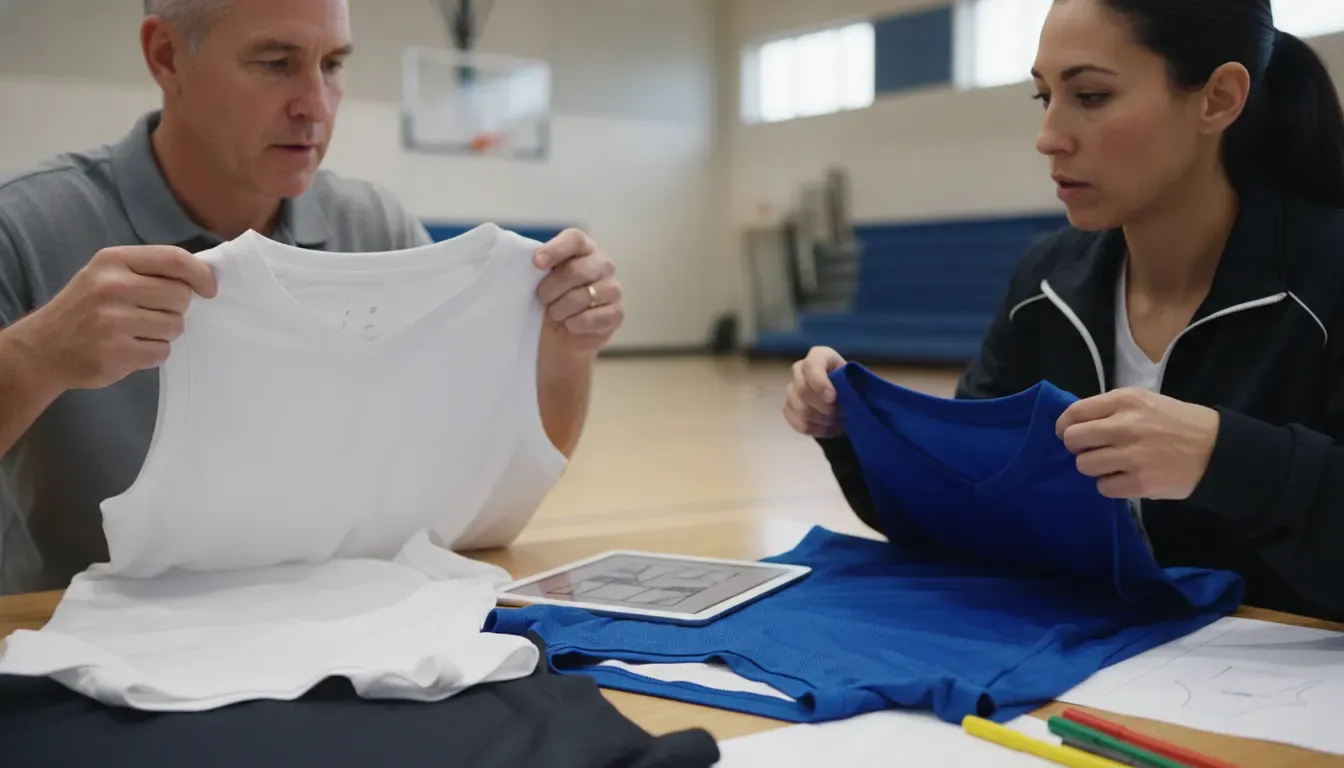
How do you turn team colors and templates into a production-ready design?
Team colors and templates become production-ready when the coach treats the maker as the first step in a controlled approval process. Choose one base template, document the color hierarchy, confirm every decorated surface, and compare the design against the team roster and league requirements. A polished preview is not final approval until these details are checked.
Begin by separating decisions into three groups. The first group is identity: primary and secondary colors, mascot or team mark, wordmark, and any school or program standards. The second is garment construction: neckline, armhole, side panel, hem, short style, and reversible requirements. The third is player information: names, numbers, sizes, and quantities. Keeping these groups separate makes it easier to spot a change that affects the entire order.
Use the template to test legibility, not only appearance. A number should remain easy to identify against the jersey field. A team name should have enough contrast and space to read at game distance. Small artwork may look sharp on a screen but become difficult to reproduce at the selected size. Ask for guidance when a logo includes fine lines, gradients, or multiple outlines.
Do not let color selection create an avoidable approval loop. Save the exact colors or references your program has approved, then use the same language in the design notes and proof review. If the builder uses approximate on-screen colors, treat the preview as directional and ask how the manufacturer will match the final materials. This is especially important when new jerseys must coordinate with existing shorts, warm-ups, or replacement pieces.
Maker stage | Coach decision | Approval evidence |
Template | Select jersey style, cut, and matching pieces | Front, back, and side views |
Color | Set the program's primary, secondary, and trim colors | Written color direction or approved reference |
Decoration | Place the logo, team name, player name, and numbers | Readable artwork at the intended size |
Roster | Match each player to a size, number, and name | Clean roster sheet with one approved version |
Proof | Resolve corrections before production | Named approver and dated final proof |
When the design is close, stop adding ideas and perform a consistency check. Does the back match the front? Does the number treatment work on every colorway? Does the proposed jersey belong with the shorts and other pieces your team will actually use? The goal is not the most complicated design. It is a uniform system that your players and staff can approve confidently.
For a broader look at available team options, review Uniforms Express custom basketball uniforms. Keep this article's maker workflow separate from a general design gallery: the tool helps you build and communicate the concept, while the product page helps you confirm the available uniform path.
What roster and personalization details must be checked before approval?
Before approving a maker design, reconcile the visual proof with a single current roster. Every player should have a confirmed size, number, name treatment, and quantity, while coaches and administrators should know which items are included for staff, substitutes, and late additions. The roster review is where attractive concepts become accurate team orders.
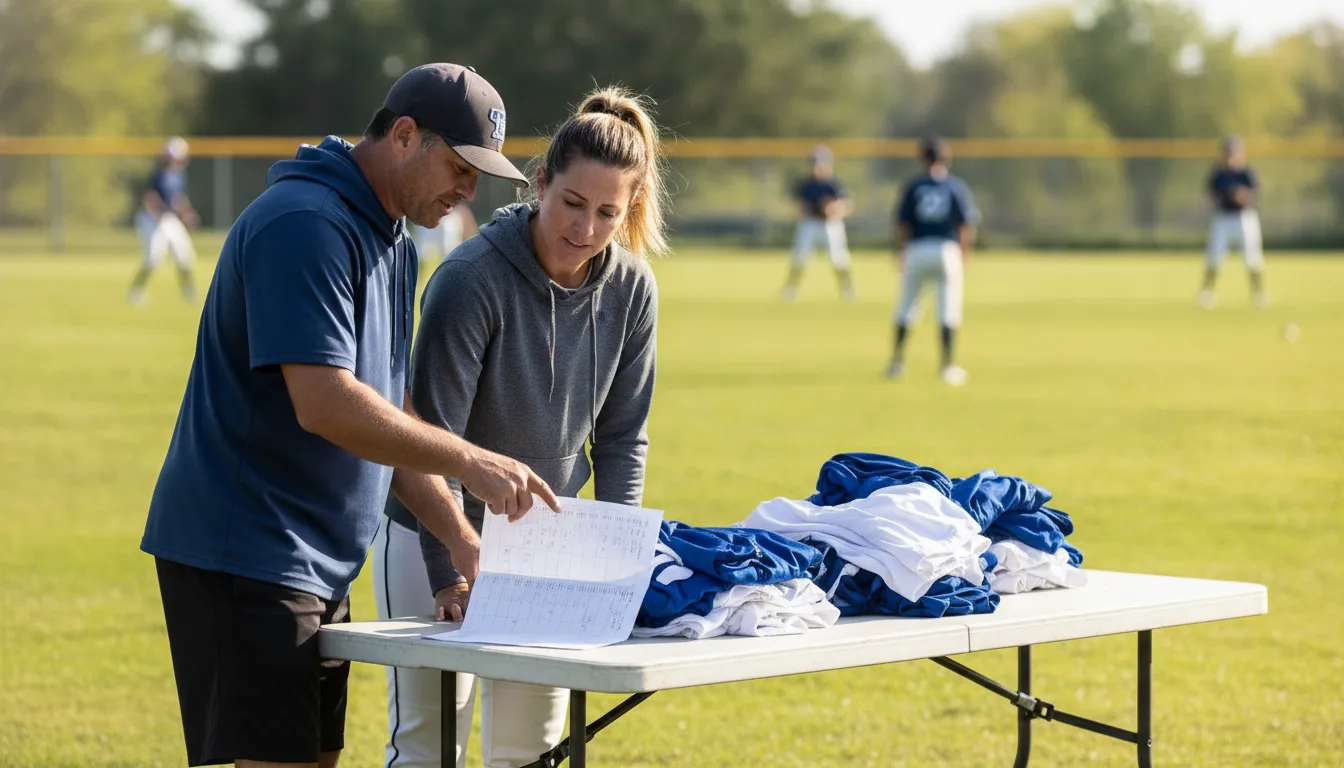
First, assign one person to maintain the master roster. Multiple spreadsheets, text threads, and handwritten changes create conflicting versions. Use a simple table with columns for player name, jersey number, name spelling, size, garment type, quantity, and notes. Mark changes clearly and retire earlier versions so the manufacturer receives one approved source.
Then check number conflicts. A maker may allow a number to be placed on the preview without knowing that another player already has it. Compare the proposed numbers against league rules, team conventions, and any player changes. If the design includes front and back numbers, confirm both are represented correctly. Do not assume the same number treatment will appear identically on a reversible garment.
Names need their own review. Verify spelling, capitalization, punctuation, and whether the team wants last names, nicknames, or no names. The design should show the intended placement, but the roster should remain the authority for the character-by-character details. Ask how long names will be and whether a longer name needs a different scale or treatment.
Sizing also belongs in the approval process, but the maker preview cannot replace a size chart or fitting conversation. Compare player measurements with the manufacturer's current size guidance. Identify youth and adult entries, flag players between sizes, and confirm whether the selected jersey cut is intended to fit loosely or closer to the body. If local fittings or samples are available, use them for uncertain cases before locking quantities.
Use a two-pass approval
- Design pass:
approve the template, colors, artwork, decoration placement, and garment combination.
- Roster pass:
approve names, numbers, sizes, quantities, and any special player or staff requirements.
- Final proof pass:
compare the latest proof to the approved design and roster, then document the person authorized to release the order.
This sequence prevents a common mistake: approving the look first and assuming the order details will sort themselves out later. They will not. A clean design with one wrong number still creates a replacement problem, while a perfect roster attached to an outdated proof can produce the wrong garment.
Uniforms Express supports team orders across youth, school, college, and other athletic programs. If your order includes coordinated jerseys, shorts, reversible pieces, or additional team apparel, state those requirements together so the account team can confirm the full scope instead of treating each item as an isolated request.
How should a coach evaluate the proof before submitting the order?
A coach should evaluate the final proof as a production document, not as a mood board. Compare every view with the approved maker design, inspect names and numbers against the master roster, confirm the garment and decoration method, and verify the requested delivery schedule in writing. Only then should the authorized decision-maker release the order.
Check the proof in this order:
- Product:
Confirm the exact jersey style, fabric or construction, reversible status, matching shorts, and quantities.
- Color:
Compare primary color, secondary color, trim, piping, panels, and any alternate side of a reversible garment.
- Artwork:
Inspect the team name, logo, mascot, outlines, and placement on the front, back, sides, and shorts.
- Personalization:
Match every name, number, size, and quantity to the current roster.
- Production:
Ask what is included in the proof, what remains subject to confirmation, and when the order enters production.
- Delivery:
Confirm the expected ship or arrival timing against the first game, tournament, fitting, and distribution date.
Ask for clarification when a preview and proof do not agree. Do not approve a proof because a deadline is approaching if a material detail is unresolved. A short clarification before production is usually easier than a correction after the garments are made.
Uniforms Express has operated since 1996 and uses direct manufacturing capabilities to support quality and delivery control. That experience is useful when a coach needs a real person to review a maker-generated concept, identify a production issue, or confirm what the design preview does and does not represent. The maker starts the conversation; the account team and final proof complete it.
When the order is approved, save the final proof and roster together. Give the files a clear version name, record the approver, and keep the confirmation with the team's purchasing records. This creates a reference for future fill-ins and helps the next coach understand exactly what was ordered.
What should you ask the uniform provider after using the maker?
After using the maker, ask the uniform provider to confirm the exact product, decoration, roster process, proof requirements, and schedule. These questions close the gap between an online concept and a manufactured order. They also show whether the supplier has a dependable handoff from design support to production and fulfillment.
Which jersey and short styles match the selected maker template?
Which decoration method will be used for the team name, logo, names, and numbers?
Will the final proof show every side, colorway, and personalized player entry?
What artwork format or logo file does the production team need?
Who is responsible for maintaining the final roster after the initial design?
What is the cutoff for changes, and when does production begin?
What delivery timing can be confirmed for this specific order?
How should the team handle a future replacement or add-on order?
A provider should be able to answer these questions without asking the coach to reconstruct the order from scattered messages. Uniforms Express offers a virtual customer-service path and dedicated support for team orders, so use the consultation to validate the design, not simply to repeat the information already visible in the tool.
If you are still comparing options, start with the Uniforms Express custom uniform builder, then use the basketball uniform collection to review the available team-order direction. If the program also needs warm-ups or related apparel, mention that before the proof is finalized so the visual system and order timeline can be considered together.
For coaches, the right maker is not necessarily the one with the most buttons. It is the one that helps the team make clear decisions, preserves those decisions through proofing, and gives the manufacturer enough information to produce the approved result. Treat the online design as the beginning of that process, and your final order will be easier to check, explain, and repeat.
Custom basketball jersey maker FAQ
This FAQ gives coaches quick answers about using a custom basketball jersey maker, from matching shorts and roster details to sizing, proof approval, and budget planning. Use it as a final checklist, then confirm the specific product, decoration, quote, and delivery details with Uniforms Express before submitting the team order.
What is a custom basketball jersey maker?
A custom basketball jersey maker is an online design tool that helps a team visualize jersey styles, colors, decoration, logos, names, and numbers. It is a starting point for the order conversation. Coaches should still request a production proof and confirm the roster, sizes, decoration method, and delivery schedule before approval.
Can a coach design matching basketball shorts in the same tool?
Some uniform builders support coordinated shorts or full-uniform configurations, while others focus mainly on the jersey. Check whether the preview includes the shorts, side panels, colors, and decoration you need. If it does not, ask the provider to show how the jersey and shorts will be matched in the final proof.
How do you add names and numbers without making roster mistakes?
Keep one master roster with player names, numbers, sizes, garment types, and quantities. Use it for the maker, proof review, and final order confirmation. Check number conflicts, spelling, capitalization, front and back placement, and any youth or adult size differences before the authorized approver releases the order.
Does the maker preview replace a size chart or fitting?
No. A design preview shows appearance, not how a jersey will fit an individual player. Use the current provider size chart and arrange a fitting or sample review when available, especially for players between sizes or programs combining youth and adult uniforms. Confirm the selected cut and fit direction before final quantities.
When should a coach approve the final basketball jersey proof?
Approve the proof only after the design, product details, roster, sizing, quantities, decoration, and delivery timing have been checked. Compare the proof with the current master roster and document the person authorized to approve production. If a material detail is unclear, ask for a correction or explanation before releasing the order.
How should a team plan its uniform budget when using a maker?
Do not judge the budget from the preview alone. Ask what the quoted order includes, including jerseys, shorts, personalization, decoration, samples, shipping, and any additional team apparel. Compare complete order scopes rather than isolated jersey figures, and request a written quote from the uniform provider because team requirements and product selections vary.
Comments